


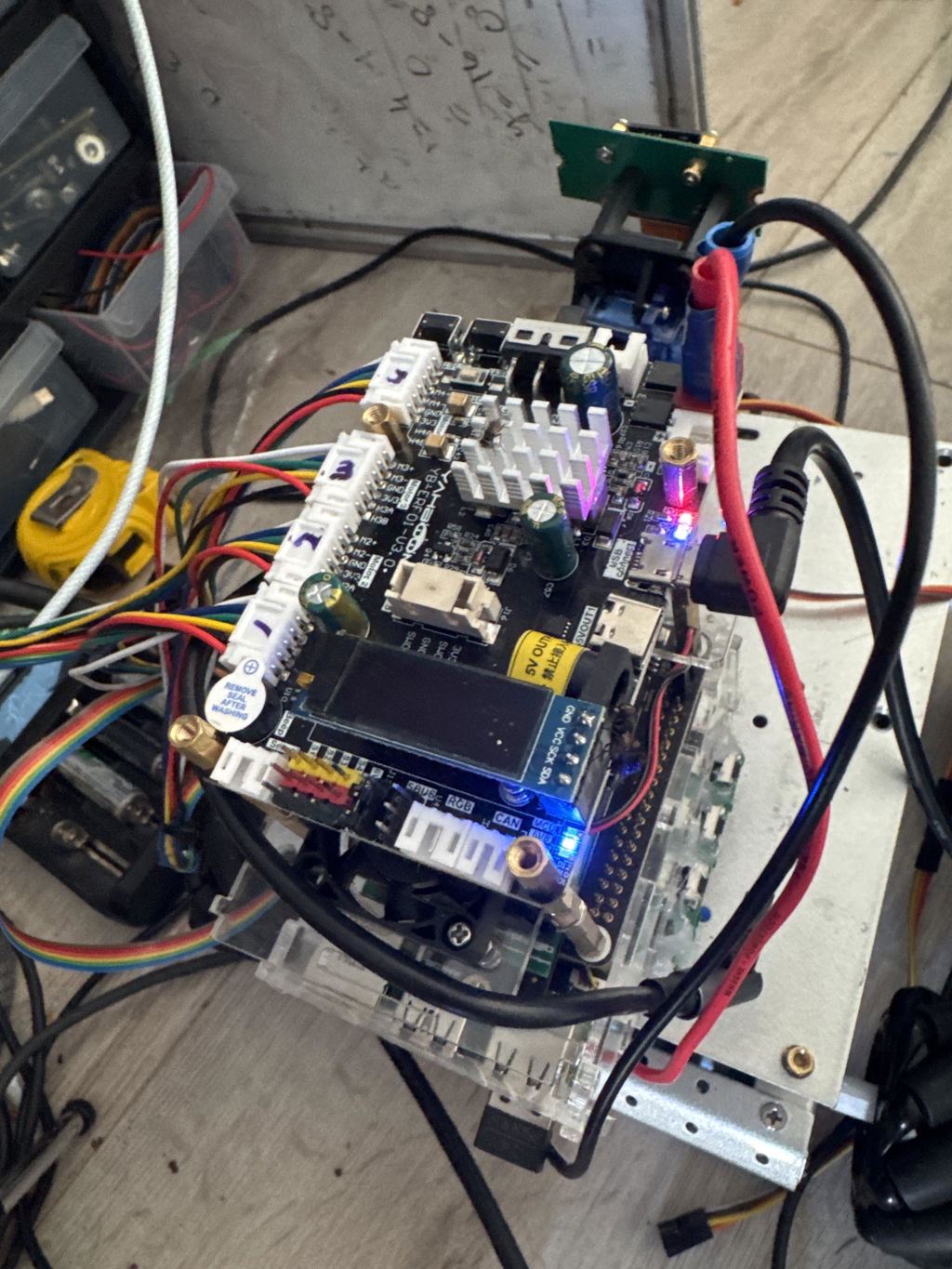
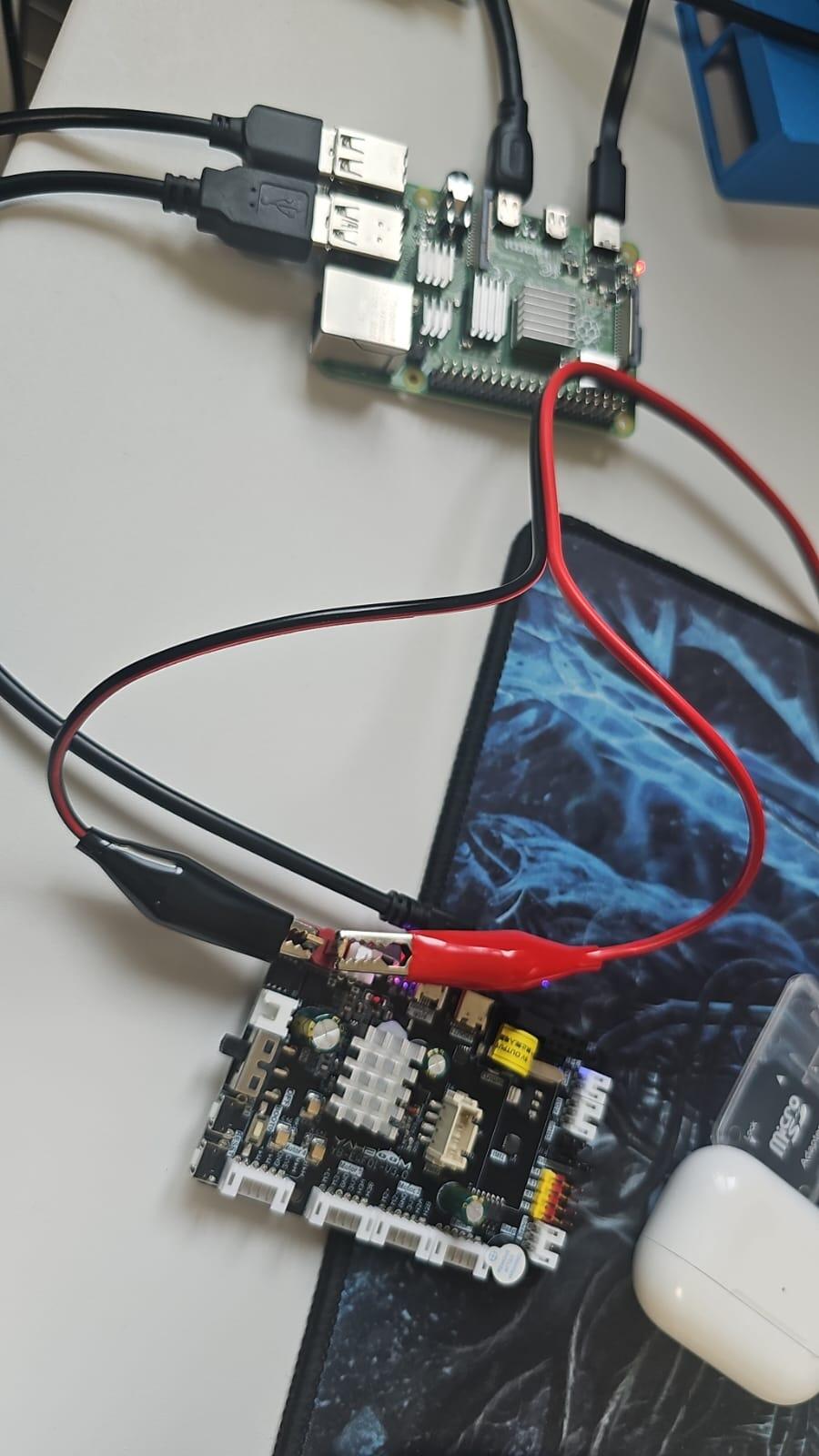
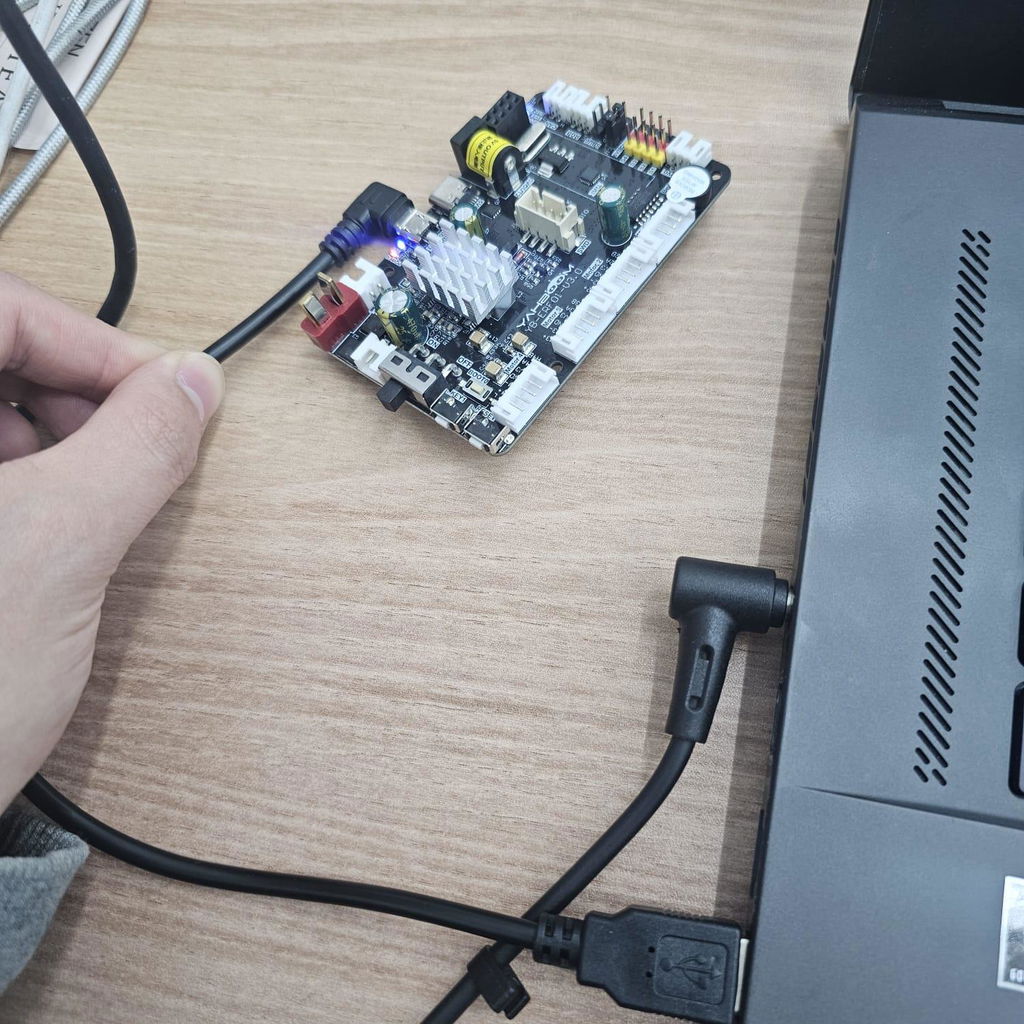
Esta placa de control de robot no es solo una placa de controlador de automóvil ROS, sino también una placa de desarrollo de núcleo STM32. Integra una unidad de control de núcleo STM32, un sensor de actitud de 9 ejes y otros componentes, y proporciona un motor de codificador de cuatro vías, un servo PWM de cuatro vías, un servo de bus serial, una barra de luz RGB y otras interfaces periféricas. Puede comunicarse y suministrar energía con las placas de control principales, como Raspberry Pi, la serie JETSON, las placas RDK X3 y las computadoras industriales. Si desea construir un robot ROS o un automóvil inteligente, será una buena opción.
Característica
- Admite el protocolo de fuente de alimentación Raspberry Pi 5.
- Sensor IMU de 9 ejes integrado, unidad de control central STM32.
- Puede controlar motores codificadores de 4 canales, servos PWM de 4 canales y servos de bus serie.
- Admite comunicación de bus CAN, comunicación serie USB, comunicación de bus SBUS.
- Se puede utilizar para Raspberry Pi, placas de la serie JETSON y computadoras industriales.
- Admite entrada de voltaje de 12 V y salida de interfaz de fuente de alimentación múltiple, se niega a utilizar un sistema de fuente de alimentación seguro y estable.





Enlace del tutorial
Placa de control del robot Yahboom ROS
Placa de control de robot ROS V3.0 con soporte STM32F103RCT6 para RaspberryPi 5/Jetson/RDK X3
Vendedor: Yahboom
SKU: 6000101090
Need help with choosing the right product?
Click here to reach out to one of our experts.
Esta placa de control de robot no es solo una placa de controlador de automóvil ROS, sino también una placa de desarrollo de núcleo STM32. Integra una unidad de control de núcleo STM32, un sensor de actitud de 9 ejes y otros componentes, y proporciona un motor de codificador de cuatro vías, un servo PWM de cuatro vías, un servo de bus serial, una barra de luz RGB y otras interfaces periféricas. Puede comunicarse y suministrar energía con las placas de control principales, como Raspberry Pi, la serie JETSON, las placas RDK X3 y las computadoras industriales. Si desea construir un robot ROS o un automóvil inteligente, será una buena opción.
Característica
- Admite el protocolo de fuente de alimentación Raspberry Pi 5.
- Sensor IMU de 9 ejes integrado, unidad de control central STM32.
- Puede controlar motores codificadores de 4 canales, servos PWM de 4 canales y servos de bus serie.
- Admite comunicación de bus CAN, comunicación serie USB, comunicación de bus SBUS.
- Se puede utilizar para Raspberry Pi, placas de la serie JETSON y computadoras industriales.
- Admite entrada de voltaje de 12 V y salida de interfaz de fuente de alimentación múltiple, se niega a utilizar un sistema de fuente de alimentación seguro y estable.
Enlace del tutorial
Placa de control del robot Yahboom ROS
Questions & Answers
Have a Question?
-
Hello. I own your YB-ERF01-V3.0. I recently purchased pixhawk 2.4.8 and connected the V3.0 via USB, but there is no response. How can I control the encoder motor connected to the V3.0 using pixhawk?
hi, please email to support@yahboom.com and the professional technical support will help you
-
Can m1+ m2+ m3+ m4+ and m1- m2- m3- m4- be used as encoder?
Hello,
Thank you for your patience.
These pins provide the drive voltage for the motor, and the 3.3V pin powers the encoder.
If you need further assistance, please email us at: support@yahboom.com
Have a great day!
Yahboom Team
-
Hi, I bought the Expansion Board V3 and connected it to my Linux laptop via micro-USB. Instead of a battery, I used a 12V 3A power adapter, but the board keeps beeping and the OLED shows 'low battery'. I don’t want to use a battery or Raspberry Pi—only my laptop. What could be the problem, and what’s the solution?
Hello,
Please send your detailed questions and videos to our technical support email: support@yahboom.com
Our technicians will assist you online.
Thank you for your understanding.
Have fun!
-
What protocol (UART, SPI, I2C, ...) does the Raspberry Pi 5 and the control board V3.0 communicate with?
UART protocol.
-
What protocol does the Raspberry Pi 5 and the control board V3.0 communicate with?
Use serial communication.
-
I bought some of your ROS robot control board V2.0. I need to customize your factory code to work well with my prototypes. So, how can I import the Factory Rosmaster in the STM32CubeIDE to modify your code to made some customization for my prototype? I love this board very much; it simplifies my maker life!!! Thank you very much!
Hello friend,
We are unable to reply to technical issues here. You can send the issue to this email, and technical support will reply to you ASAP. -
Hi, I am interested in this board. But my power input is 24VDC. Will this board support for 24VDC input?
Hello friend,
This board just support 12VDC input. -
Hi I want to know why the hex files which were running on version of this board are giving init error in version2 of the same board?
Hello friend,
Send your question to this E-mail: support@yahboom.com Our technical support will help you to solve the problems ASAP. -
How can I setup a board to differential drive with 2 wheel robot? I found only a ros node for mecanum wheel robot.
Hi friend,
Any questions when using this produts, contact us by E-mail: support@yahboom.com
Our technical support will reply to you as soon as possible. -
Hi, I would like to ask for Yahboom ROS robot control board with STM32F103RCT6 IMU. i have purchase one in your place. and need to run the control board. May i ask i need to follow 1.Expansion board STM32 driver first than by 2. Python basic control? May i ask the link to (https://www.yahboom.com/study/ROS-Driver-Board) i when and some information is lock and cannot be open and need password. Thank you Regards, Sam
Hello friend,
Sorry for late reply. We just ending International Labor Day holiday and back to work today.
Technical support cannot be provided here. After purchasing the product, if you need technical support, please contact this email: support@yahboom.com -
"I am currently using ROSMASTER x3, and I am trying to update the firmware through the MCUISP program in your manual. However, the port connected to the board is not displayed in the MCUISP program. I confirmed that the port connected to the board is COM3 through the device manager in Windows, but the port is still not displayed in the MCUISP program. Also, when I connect the board alone to the computer, a beep sound continues to be emitted."
Hi friend,
Could you send your question to this E-mail: support@yahboom.com?
Our technical support will reply to you ASAP by E-mail. -
I see that only power input is via T plug connector. What would be the correct battery for this board? 4 x 18650 or do you recommend something else? Regards Niko
Hello friend,
The maximum voltage allowed by the expansion board is 12V. You can use the power supply battery according to this parameter.
Any other questions, contact us by E-mail support@yahboom.com
Technical support will reply you as soon as possible.