


Tutorial Link
STM32 Self-balancing Robot Car
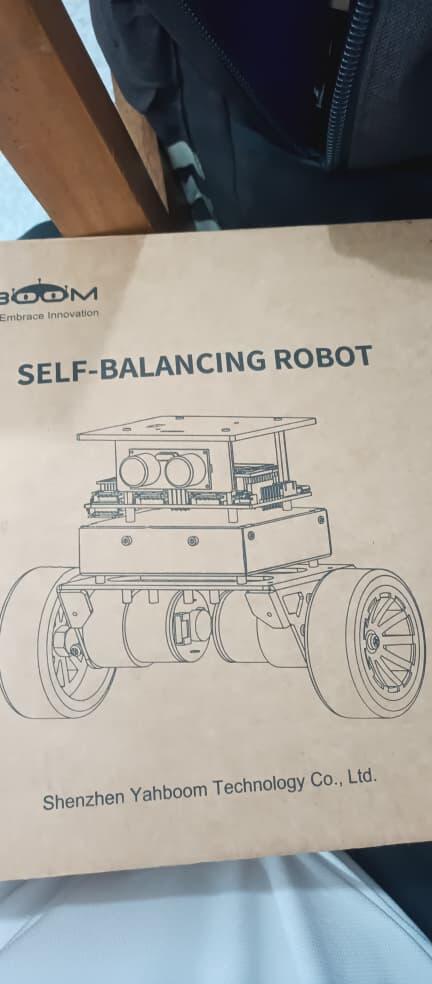
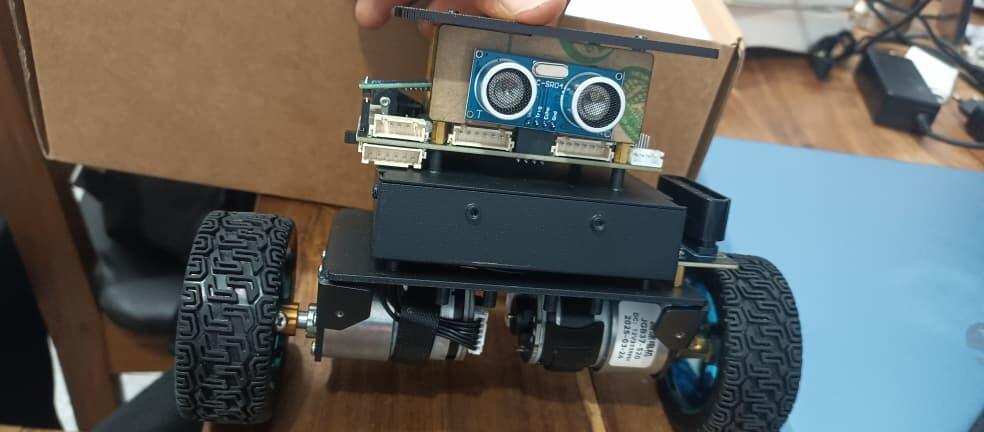
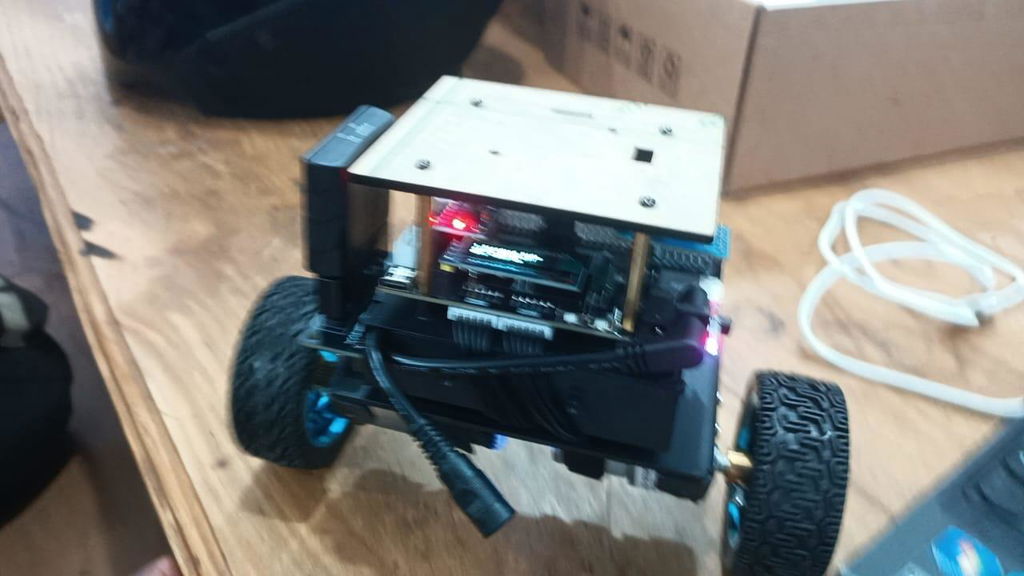
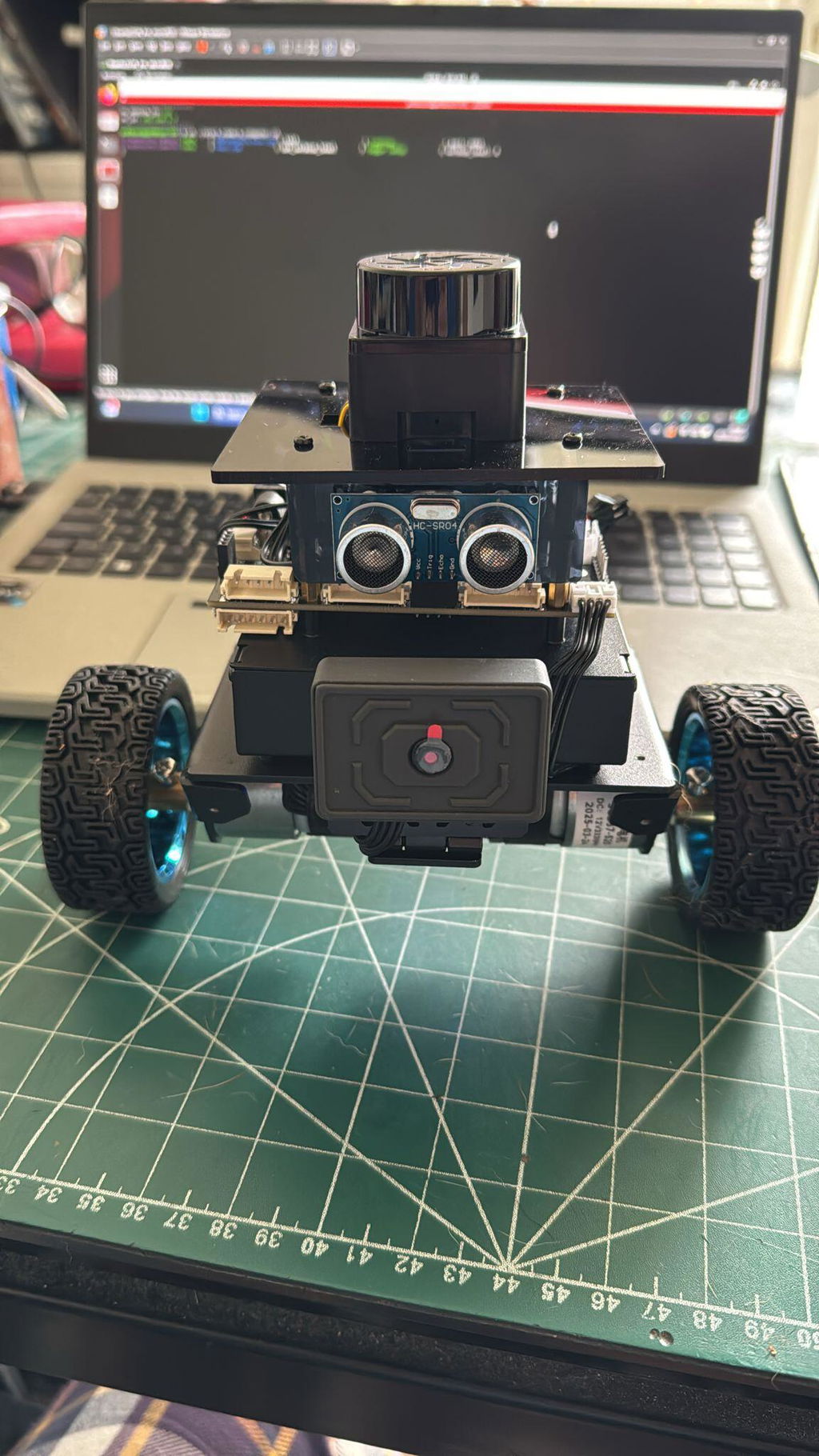
STM32 self-balancing robot car is an innovative smart car based on the STM32 microcontroller, designed for exploring robotics and control systems. It is not only a toy, but also a learning and experimental platform suitable for educational institutions, enthusiasts and researchers. Yahboom design the multi-function expansion board, 6-axis attitude sensor, high-power motor, and metal chassis for it. Through the accelerometer and gyroscope, robot car can monitor its own tilt angle and motion state in real time, quickly adjust motor speed to achieve a stable balance state through precise PID control algorithm. Not only that, this self-balancing robot car also supports a load of 4KG and can move freely in various complex terrains.
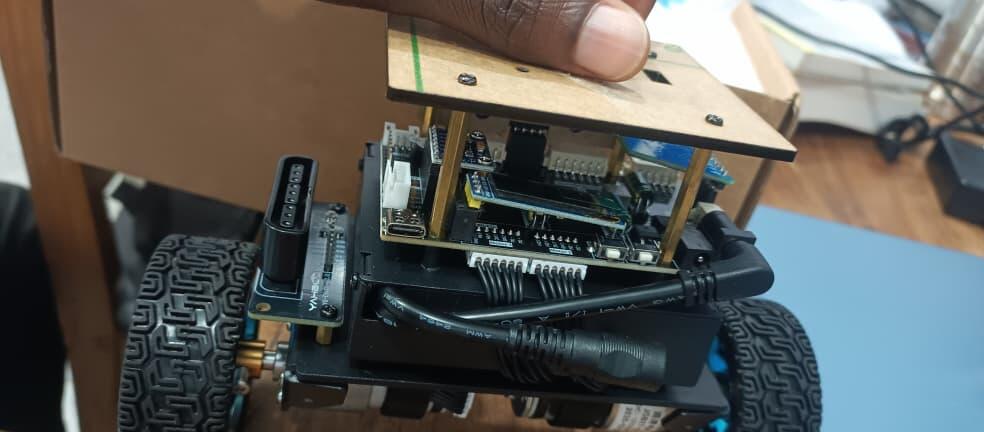
High-performance microcontroller: Integrated with the STM32F103RCT6 chip, with powerful computing power and many peripheral interfaces, enabling robot car to implement complex control logic.
Accurate sensor system: Equipped with a high-precision 6-axis attitude sensor, it can obtain motion state data in real time and provide necessary feedback for the control algorithm.
Flexible scalability: The STM32 self-balancing car driver board supports a variety of expansion modules, such as 4-channel tracking module, K210 vision module, lidar, PS2 handle receiver, etc. Users can add different functional modules as needed to achieve more functions.
Visual operation interface: Yahboom provides an OLED display and APP (Only for Android ) to facilitate user debugging and control. Users can monitor the status of the car in real time, adjust parameters and view the operation effect.


STM32 Self-balancing Robot Car(Load:4KG)
Vendor: Yahboom
SKU: 6000200653
Need help with choosing the right product?
Click here to reach out to one of our experts.
Tutorial Link
STM32 Self-balancing Robot Car
STM32 self-balancing robot car is an innovative smart car based on the STM32 microcontroller, designed for exploring robotics and control systems. It is not only a toy, but also a learning and experimental platform suitable for educational institutions, enthusiasts and researchers. Yahboom design the multi-function expansion board, 6-axis attitude sensor, high-power motor, and metal chassis for it. Through the accelerometer and gyroscope, robot car can monitor its own tilt angle and motion state in real time, quickly adjust motor speed to achieve a stable balance state through precise PID control algorithm. Not only that, this self-balancing robot car also supports a load of 4KG and can move freely in various complex terrains.
High-performance microcontroller: Integrated with the STM32F103RCT6 chip, with powerful computing power and many peripheral interfaces, enabling robot car to implement complex control logic.
Accurate sensor system: Equipped with a high-precision 6-axis attitude sensor, it can obtain motion state data in real time and provide necessary feedback for the control algorithm.
Flexible scalability: The STM32 self-balancing car driver board supports a variety of expansion modules, such as 4-channel tracking module, K210 vision module, lidar, PS2 handle receiver, etc. Users can add different functional modules as needed to achieve more functions.
Visual operation interface: Yahboom provides an OLED display and APP (Only for Android ) to facilitate user debugging and control. Users can monitor the status of the car in real time, adjust parameters and view the operation effect.

Questions & Answers
Have a Question?
-
Hello, is there a way I can view the source code? Everytime I try to download it from the provided google doc, it says its corrupted
hi,
please email to support@yahboom.com
the professional technical support will help you.
best regards!
Yahboom Team
-
I'm trying to find a way to connect my self balancer to my laptop, I see that there is SWD, I bought a ST_LINK V2, but the pins from the SWD port on the self balancer are too short to make a connection with my jumper cables, is there a specific connector I need?
Hello,
Thank you for your patience.
Please find the tutorial link below:
http://www.yahboom.net/study/SBR-STM32
The tutorial uses serial port programming via a USB cable; the SWD port is only used for debugging.
If you encounter any problems or require further assistance, please email us directly at:
Our professional technical support team will reply to you during business hours.
Thank you for your understanding.
Have a great day!