


Tutorial
Yahboom Building:bit superkit
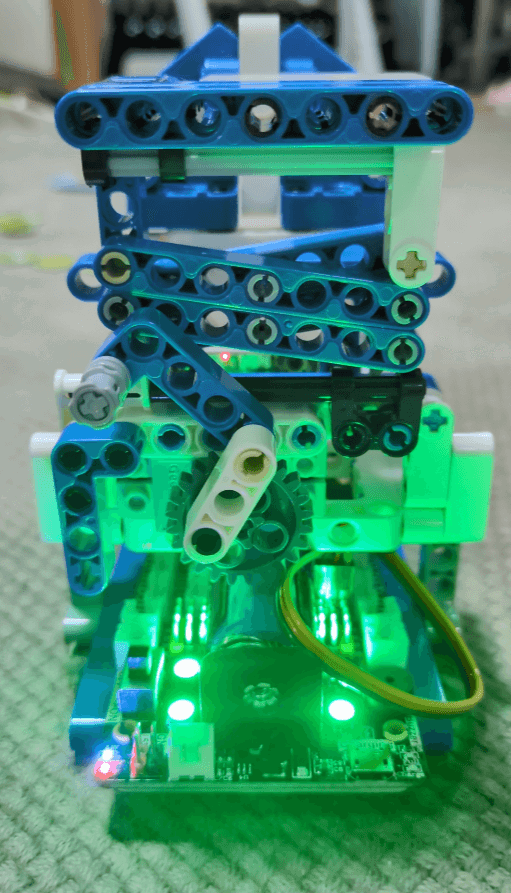
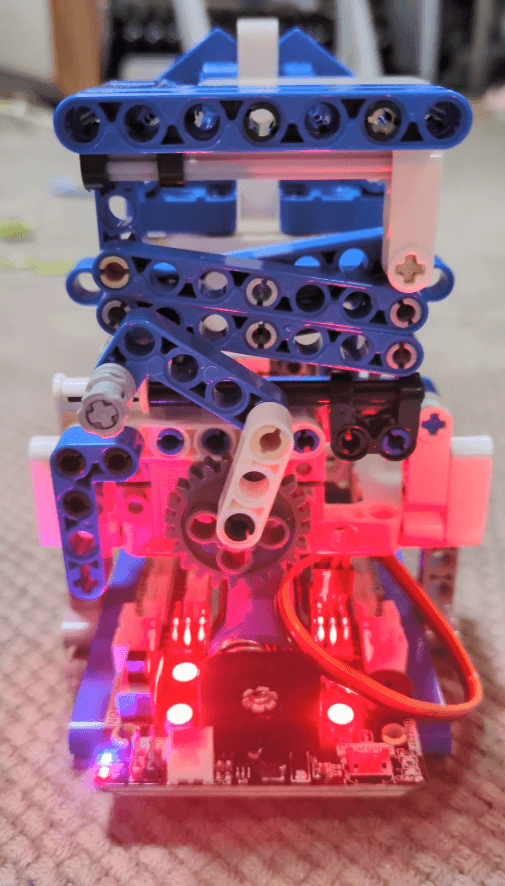
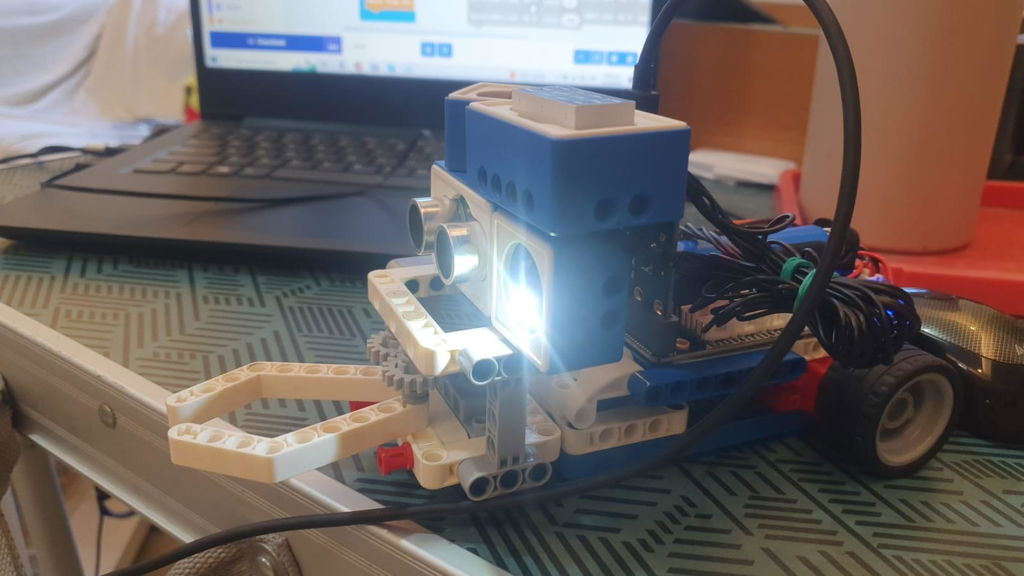
16-in-1 superkit programmable building block kit is designed based on BBC Micro:bit, which is composed of Super:bit expansion board, building block servo/motor, battery and 358 building block parts.
Features
Designed based on BBC Micro:bit, equipped with Super:bit professional expansion board
16 kinds of building block models + full color printing project instruction manual
MakeCode programming + Python programming, suitable for users with different ages
Support APP/game handle remote control
Compatible with LEGO building block, various gameplays


16 in 1 Building:bit Super kit for BBC Micro:bit V2/V1.5
Vendor: Yahboom Technology
SKU: 6000100289
Need help with choosing the right product?
Click here to reach out to one of our experts.
Tutorial
Yahboom Building:bit superkit
16-in-1 superkit programmable building block kit is designed based on BBC Micro:bit, which is composed of Super:bit expansion board, building block servo/motor, battery and 358 building block parts.
Features
Designed based on BBC Micro:bit, equipped with Super:bit professional expansion board
16 kinds of building block models + full color printing project instruction manual
MakeCode programming + Python programming, suitable for users with different ages
Support APP/game handle remote control
Compatible with LEGO building block, various gameplays


Questions & Answers
Have a Question?
-
Hello What's the language for the the manuel (the guide) ?
Hello friend, thanks for your quetsion.
Language for the the manual is China and English. This is tutosrial link: http://www.yahboom.net/study/buildingbit-super-kit -
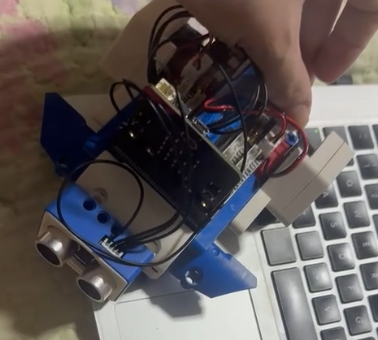
Can an ultrasonic sensor be added to program the robot to avoid obstacles? If so, do I need to buy a certain one?
Hello Friend, yes you can add ultrasonic sensor on this kit. You need prepare the following accessories.
Ultrasonic sensor: https://category.yahboom.net/products/croco_ultrasonic
Female to Female Dupont line: https://category.yahboom.net/products/f-f-jumpercable
After you purchase, we will send example code to you.
Any other problems, let me know, we will reply you ASAP. -
The kit is amazing and I will use it in little workshops with kids! A little note: the kit was delivered with a micro:bit V2, which is great, but the tutorial web page has pre compiled hex files for v1. Could you update with universal format files?
Thanks for you question.
The hex file provided on our website is compatible with Micro:bit V1/v2 boards. -
Unfortunately, nothing on the extension board is working; The battery is good, connection to PC is good. My program display "Hello!" in the beginning, then it should "set Servo S1 position at 45 degrees" after thea pause 1 second, then Servo S1 to 90 degrees, pause 1 sec, then display "END". After loading the program, only the display is doing the job, the servo does nothing. I tried the M1 motor - not working; I tried LEDS - not working... I used the "MOTION:BIT" library. What else should I do?
Dear,
Thanks for your support to Yahboom.
We can't send more details here. Please send your question to this E-mail: support@yahboom.com
Our technical support will reply you ASAP.